WINDOWS 11 • USB AUDIO
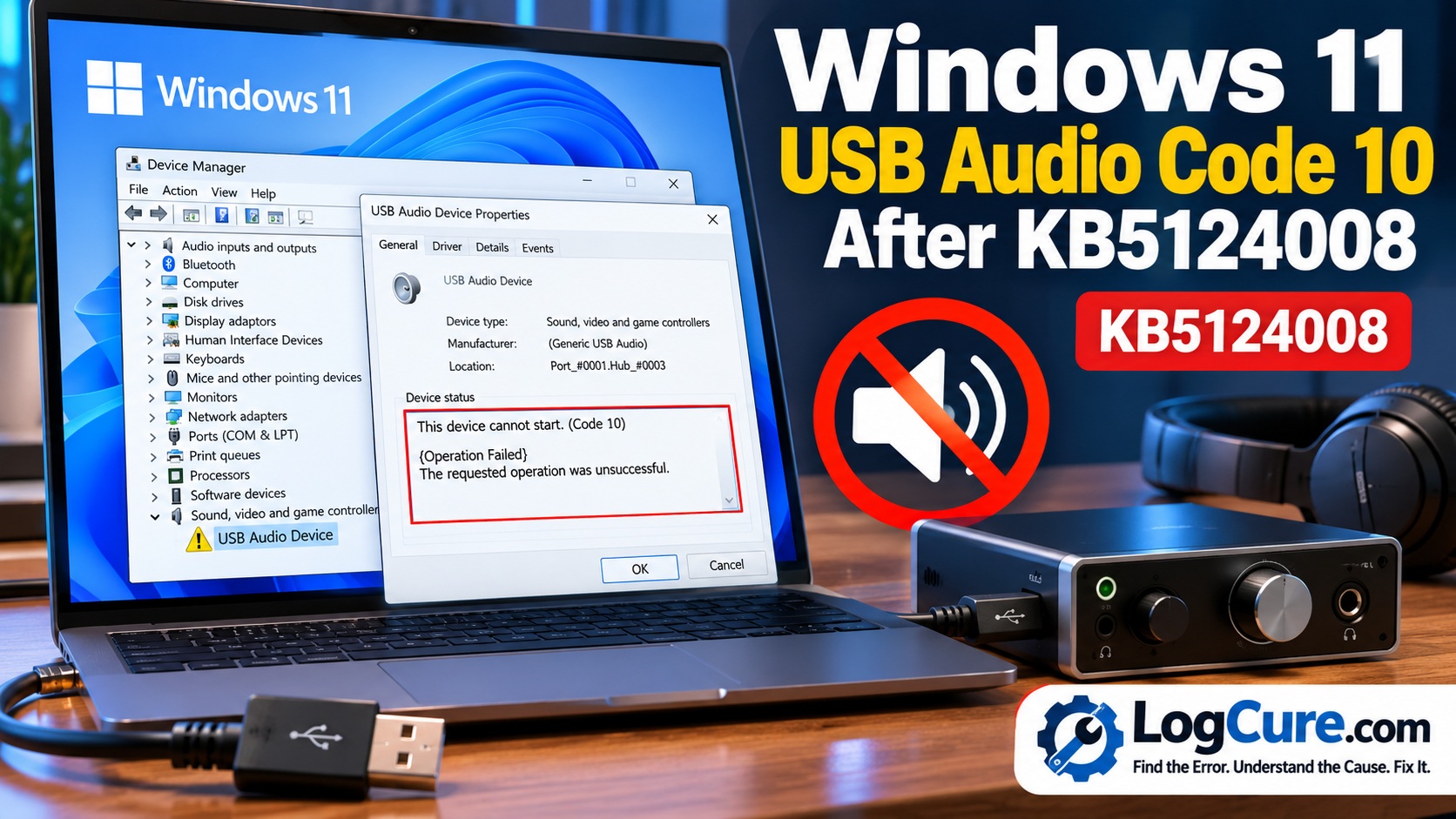
Windows 11 USB Audio Code 10 After KB5124008
USB audio stopped working after the September 2026 Windows update? Microsoft has confirmed an issue affecting some USB Audio Class 1.0 devices.
QUICK ANSWER
Why is my USB audio device showing Code 10?
If your USB Audio Class 1.0 device stopped working after the September 8, 2026 Windows security update, this may be a Microsoft-confirmed Windows issue rather than a hardware failure.
Affected devices can show “This device cannot start (Code 10)”, produce no sound, show volume stuck at zero or make Windows Sound settings unavailable. Microsoft has released a partial fix, but not every reported symptom is resolved yet.
Error Snapshot
| Error | USB Audio Code 10 / No Sound |
| Affected device type | USB Audio Class 1.0 devices |
| Trigger | September 2026 Windows security update |
| Windows 11 | 24H2 and 25H2 are among the affected releases documented by Microsoft |
| Microsoft status | Mitigated / partially resolved |
| Last checked | October 1, 2026 |
What Is Causing the USB Audio Problem?
Microsoft has documented a problem affecting some USB Audio Class 1.0 devices after the September 2026 Windows security update.
This distinction is important: not every Windows 11 audio problem is caused by this update. If your speakers, Bluetooth headphones, HDMI audio or another type of sound device stopped working, do not automatically assume that this particular Windows issue is responsible.
- Device Manager reports “This device cannot start (Code 10)”.
- No audio output from the affected USB device.
- Volume controls remain at zero or do not respond.
- Windows Sound settings become unavailable or unresponsive.
- Some devices work in stereo but fail when using 8-channel or 3D audio modes.
How Do I Know If This Is the Same Windows Issue?
Check the device before changing drivers or Windows settings.
Step 1: Check Device Manager
- Right-click the Start button.
- Select Device Manager.
- Expand Sound, video and game controllers and relevant audio/device sections.
- Locate your USB audio device.
- Open Properties.
- Check Device status.
If Windows reports Code 10 and the problem began immediately after the September 2026 Windows update, your symptoms are consistent with Microsoft’s documented issue.
Step 2: Check Windows Update History
- Open Settings.
- Select Windows Update.
- Open Update history.
- Look at the updates installed immediately before the audio problem started.
The timing matters. A Code 10 error that existed before the September update could have a different cause.
How to Fix USB Audio Code 10 After the September Update
Open Settings → Windows Update, check for updates and install the latest Windows update available for your device. Restart Windows after installation.
Microsoft released the out-of-band update KB5129195 on September 14, 2026. However, it is important to understand what this update does and does not fix.
According to Microsoft’s current documentation, KB5129195 resolves the reported problem affecting devices using 8-channel or 3D audio modes. Microsoft describes the overall USB Audio Class 1.0 issue as only partially resolved and says it is continuing to address the other symptoms.
If Audio Works in Stereo but Not in 8-Channel or 3D Mode
This is one of the symptoms specifically associated with the documented problem.
Install the latest Windows updates available for your device. Microsoft states that the September 14 out-of-band update addressed this multichannel symptom.
Some affected users were also able to restore audio temporarily by switching their device to 2-channel/stereo mode before the update resolving that particular symptom was installed.
What If Code 10 or No Sound Remains?
Do not assume your hardware has failed simply because KB5129195 does not fix the problem.
Microsoft’s documentation says the out-of-band update only partially resolves the USB Audio Class 1.0 issue. Other symptoms remain under investigation.
For business-managed devices requiring an immediate workaround for symptoms not yet addressed, Microsoft directs IT administrators to Microsoft Support for Business.
What Should You Do Next?
| What You See | Recommended Direction |
|---|---|
| 8-channel/3D mode fails | Install the latest Windows updates; this symptom has an official resolution. |
| Code 10 remains | Check for newer Windows updates; Microsoft has not described all symptoms as fully resolved. |
| Volume stuck at zero | Treat it as a potentially related symptom if using USB Audio Class 1.0 after the affected update. |
| Bluetooth/HDMI audio fails | Diagnose separately; Microsoft’s documented issue is specifically limited to USB Audio Class 1.0 devices. |
| Error existed before September update | Do not attribute it automatically to this Windows issue; investigate other causes. |
What Should You Avoid?
Because Microsoft has confirmed an operating-system issue, avoid immediately using aggressive troubleshooting steps simply because another guide recommends them.
- Don’t download unknown “driver repair” utilities.
- Don’t randomly modify the Windows registry.
- Don’t reset or reinstall Windows solely because of this error.
- Don’t assume the USB audio hardware is defective without testing it.
- Don’t repeatedly uninstall security updates without understanding the security implications.
Is the Problem Completely Fixed?
No—not according to Microsoft’s current status information.
Microsoft lists the USB Audio Class 1.0 issue as mitigated/partially resolved. The September 14 update addresses the 8-channel and 3D-audio symptom, while Microsoft continues working on the remaining reported symptoms.
This article should therefore be rechecked when Microsoft releases another Windows update or changes the issue status.
Official Sources
For the latest status, check Microsoft’s Windows release-health documentation and the official KB5124008 update information:
Microsoft Windows 11 Release Health
Explore More Windows Errors
Visit the LogCure Windows Errors hub for Windows Update, installation, activation, network and system troubleshooting.
LogCure verification note: This guide distinguishes Microsoft’s documented USB Audio Class 1.0 issue from unrelated Windows audio failures. Official Microsoft release-health information was checked on October 1, 2026.